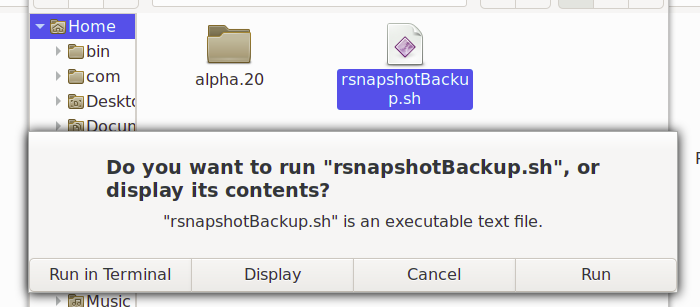
instead of GUI wizardry, perhaps just launch the script from your terminal window in the first place. e.g. open terminal program, and execute ~/rnapshotBackup.sh if you need to fix the "run in terminal" functionality, my guess is that it has to do w/ the script and how it's accessing a TTY that probably isn't availale. IMO not worth the effort -- just run it from the terminal program. or cron, or however you want to schedule it. On Tue, Oct 13, 2020 at 12:27 PM a <a@kaluta.us> wrote:
Hi
OS Debian 10, Firebox, Cinnamon.
When choosing run in Terminal (see below or attach), there is a brief flash.Query: How to run in terminal it sleeps in /home/bin.
When choosing run (see below or attah), it appears to update backup. I would like to see the process merge a solution.
Thanks, a
l _______________________________________________ nmglug mailing list nmglug@lists.nmglug.org http://lists.nmglug.org/listinfo.cgi/nmglug-nmglug.org